Summary
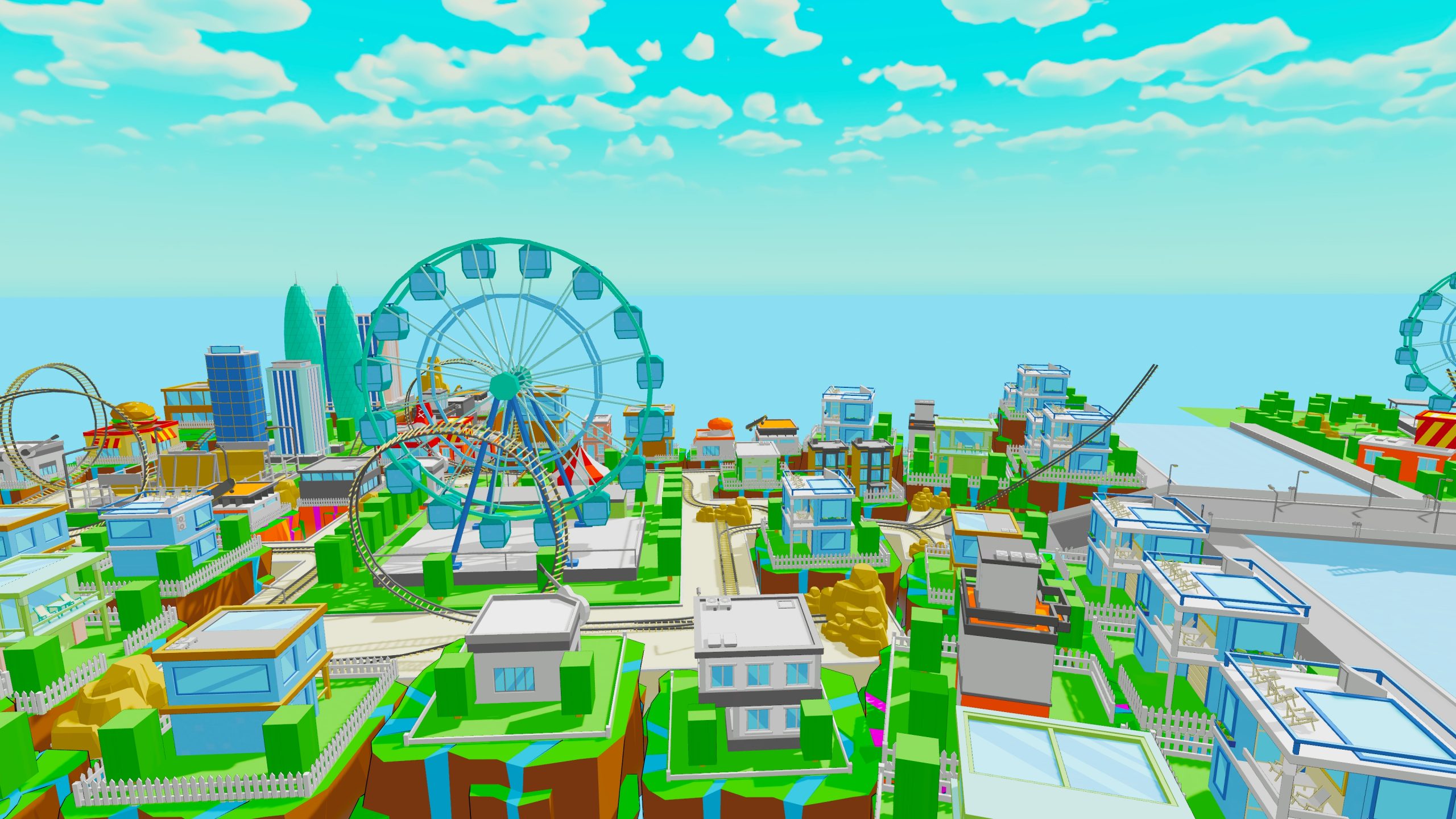
The Way to School is a 3D cartoon-style adventure game where players jump and explore through levels with unique mechanics, aiming to reach the final destination: School!
Game Showcase
Game Link(click to download)
https://bamosh.itch.io/the-way-to-school
Toon Shader Iteration
Iteration 1

Ideas:Calculated light intensity with dot product
Remapped intensity for cartoon shading
Combined texture sampling with lighting
Used Floor node for stepped shadows
Bug: This material Shadow Graph satisfies the cartoon effect, but is not affected by lighting, Shadows do Not Work


Iteration 2

Ideas:This Shader Combind Cartoon and Shadow
Bug: Model shadows are too light, inter-model shadows too dark, and distant shadows fail, affecting game experience
Adjust lighting and shadow settings, render lighting maps, modify code, and set distance limits all failed


In Shader Graph preview, it returns a fixed direction, color (pure white), and attenuation factor (1 indicating no attenuation).

Calculate shadow map coordinates: If using Shadows_Screen, call ComputeScreenPos to calculate the fragment’s screen-space coordinates. Otherwise, call TransformWorldToShadowCoord to transform world-space coordinates into shadow map space coordinates.

Obtain main light source information: Use GetMainLight to obtain main light source data.
Calculate shadow strength: GetMainLightShadowStrength retrieves the shadow strength (such as the intensity of sunlight shadows). SampleShadowmap samples the shadow attenuation value (ShadowAtten) from the shadow map.
Repeat the same steps for MainLight_half.

Specular highlight calculation: In preview mode, returns zero value, no actual highlight effect is calculated.
Smoothness: Calculates the sharpness of the specular highlight through an exponential function (the higher the value, the sharper it is).
The same process is applied to DirectSpecular_half
LightingSpecular: Calculates specular reflections using the Phong or Blinn-Phong reflection model.
Input parameters include light color, direction, normal direction, view direction, and smoothness.
Out: Returns the final specular highlight color.
Iteration 3

Ideas:Based on custom function of Mainlight to try once more
Bug: Shadow problem still there.
Rimlight is Not Noticeable in the scene


Iteration 4

Ideas: This Shader Graph combines cartoon effects and lighting
Bug: Model Shadows are Uneven, with light internal and dark external areas, and distant shadows fail, affecting gameplay


Transition
In the end, I chose to Combine Iteration 1 and 3 to keep the Layered shading of Iteration 1 and use the shading Settings of iteration 3. The result is a material with coordinated colors and shadows.
Iteration 5

Ideas: This Shader Graph combines cartoon effects and lighting
Bug: Model Shadows are Uneven, with light internal and dark external areas, and distant shadows fail, affecting gameplay


Adjusting Toon Ramp Smoothness and Shades refine Light Transitions, while Ambient, Max, and Min Control Brightness. Rim Power Enhances Edges
Testing revealed edge lighting and masking were unnecessary, leading to material simplification

When previewing in Shader Graph, neutral gray values are always returned. Calculate shadow coordinates based on whether screen space shadows are enabled in the scene, using ComputeScreenPos to calculate from screen space position/TransformWorldToShadowCoord to transform from world space position. If main light shadows are enabled (Cascade or normal shadows), get the main light data through shadowCoord. If there are no shadows, only get the light data.

The brightness d is calculated using the dot product of the normal direction and the light source direction and mapped to the range [0, 1]. The smooth transition of the Toon Ramp is calculated using smoothstep.

Get the number of point/spot lights in the scene and loop over each light: Get the light position, color, and attenuation information. Calculate the dot product with the current normal direction. Generate the Toon Ramp contribution for the extra light via smoothstep. Accumulate the influence of all lights into extraLights.

Combine the main light source, ambient light, point light source/spotlight to form a complete Toon Ramp lighting effect. Ensure the correctness of the light source direction. If there is no main light source, a reasonable direction can be provided as a backup value to avoid lighting calculation errors.

Outline Shader Iteration
Iteration 1

Ideas: Using pure Shader Graph, the method involves setting the Render Face to Back and scaling the object slightly larger than the original based on its position to Create a Visual Outline
Bug: Problem 1: Multiple meshes within a prefab can cause outline offsets due to pivot differences (Error 1.2, highlighted in red).
Problem 2: Prefabs with multiple materials fail to display outlines after their application.


Iteration 2

Ideas: Material 2.1 generates outlines Based on Normals and Color
Bug: Problem 1: Edge-based outlines don’t look good on low-poly models with many hard edges
Problem 2: Color-based outlines can mistakenly include shadows, creating inappropriate strokes.


Transition
After two attempts, I found that the post-processing edge effect doesn’t suit our game. We prefer outlines only on the visual edges of the model.
So, I switched to creating a more flexible outline material, similar to the first method.
Iteration 3

Iteration 4


Solution: Set up the imported model, Recaculate normals


Bug: Lost the lowpoly character and became 5.1 visually
Iteration Final


Post-Processing Setting

Add the Post-Processing Volumn to the scene and then check Post-Processing in the Camera Settings to apply the Post-Processing effect

Leave a Reply